Nintendo Switch gaming has exploded in popularity, attracting millions of players who enjoy the console’s unique versatility. Whether you’re playing docked on a big screen or in handheld mode on the go, one thing remains constant: the controller you use dramatically shapes your experience. For many gamers and parents shopping for their kids, the choice between a wireless and wired gaming controller presents a genuine dilemma. Wireless options promise freedom of movement, while wired alternatives offer straightforward reliability. The confusion deepens when you factor in considerations like budget, durability, and features such as vibration function that enhance immersion during gameplay. This article cuts through the noise to deliver a clear, practical comparison of both controller types. Whether you’re a casual gamer seeking affordable gaming accessories that elevate your sessions, or a parent looking for something durable and safe for young hands, you’ll find the guidance you need here to make a confident decision.
Introduction to Wireless and Wired Switch Controllers
A Switch Controller is any input device designed to communicate your commands to the Nintendo Switch console, translating button presses and joystick movements into on-screen action. The Nintendo Switch Controller ecosystem is remarkably diverse, ranging from the Joy-Cons that ship with the console to third-party alternatives built for specific play styles. At the broadest level, these controllers split into two categories: wireless controllers that communicate via Bluetooth for untethered mobility, and wired controllers that connect directly through the console’s USB port for an instant, stable link.
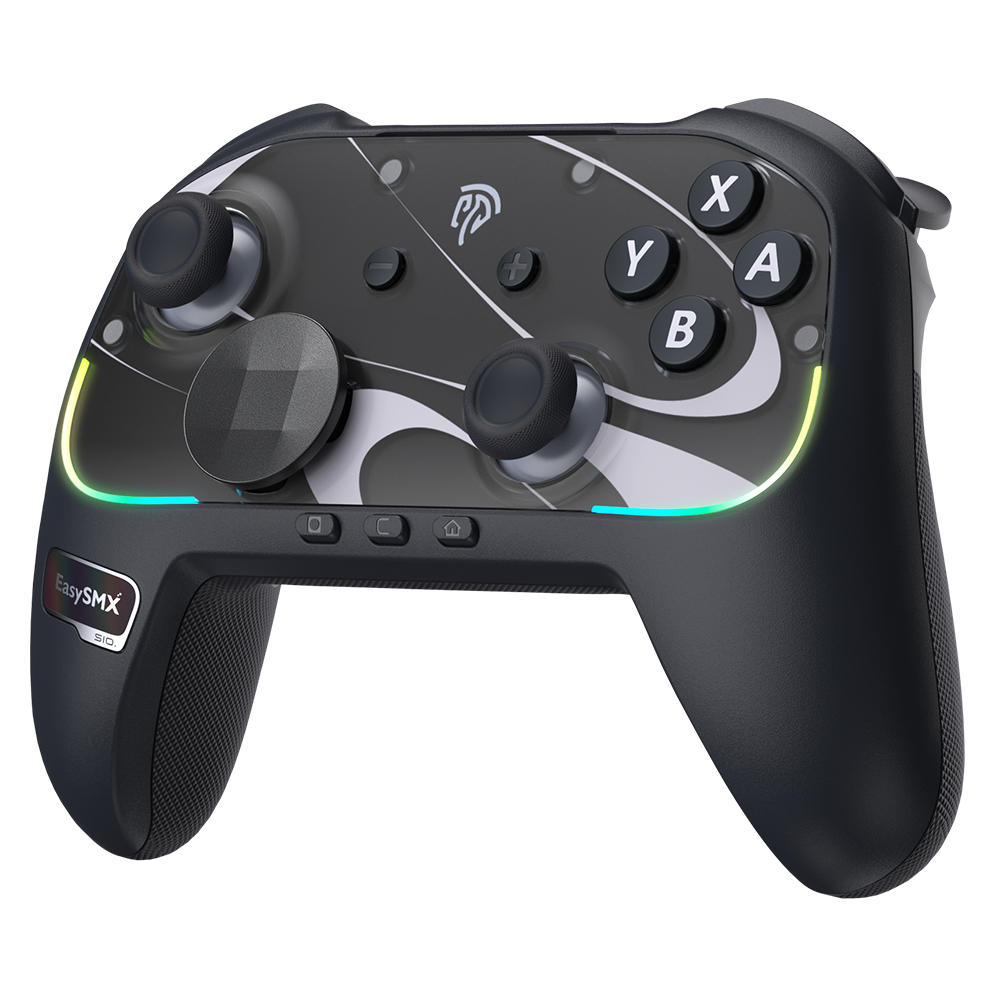
Gaming controllers have evolved significantly over the decades. Early console pads were simple, corded rectangles with minimal buttons. Today’s options feature ergonomic grips, motion sensors, programmable inputs, and haptic feedback systems that make gameplay feel visceral. This evolution reflects a growing understanding that the controller isn’t just a tool—it’s the bridge between the player and the game world. For casual gamers seeking an improved gaming experience without breaking the bank, and for parents who need a product that can survive energetic young hands while remaining safe, understanding this landscape is the essential first step toward a smart purchase.
Key Differences and Features: A Detailed Comparison
When choosing between wireless and wired Switch controllers, the decision ultimately comes down to how each type handles latency, power management, cost, and everyday convenience. Latency—the delay between pressing a button and seeing the action on screen—is often cited as the primary technical differentiator. Modern wireless controllers have narrowed this gap considerably, but wired connections still maintain a slight edge in response time consistency. For casual gaming, this difference is virtually imperceptible, but it’s worth noting for those who play fast-paced titles. Cost is another major factor: wired controllers generally come in at a lower price point since they lack Bluetooth chips and internal batteries, making them attractive as affordable gaming accessories. Convenience, however, tells a split story depending on your setup and lifestyle.
Wireless Controllers: Freedom and Limitations
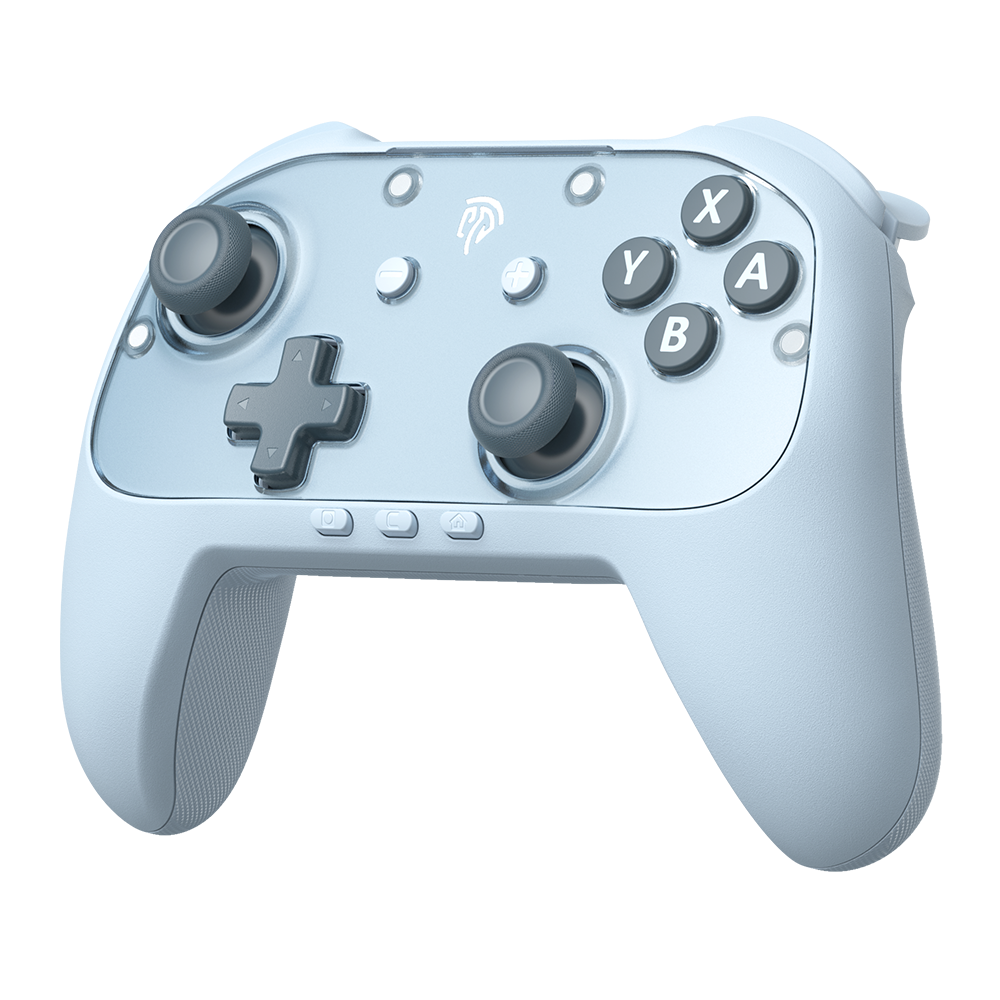
Wireless controllers shine when you want to game from the couch without worrying about cable length or tripping hazards. They offer a clutter-free setup and let you sit at any distance from the console. Most wireless options include a vibration function as standard, delivering tactile feedback that deepens immersion during gameplay. The trade-offs are real, though: batteries need regular charging, and in rare cases, Bluetooth interference from nearby devices can cause momentary signal drops. You’ll also want to keep the charging cable accessible for those sessions that run longer than expected.
Wired Controllers: Reliability and Constraints
A wired gaming controller plugs directly into the Switch dock’s USB port and works immediately—no pairing process, no battery anxiety. The connection remains rock-solid regardless of how many wireless devices share your space. For parents, this reliability pairs well with the typically sturdier build quality found in wired models, since manufacturers can allocate material budget toward thicker shells rather than battery compartments. The constraint is physical: cable length dictates your seating distance, and an energetic child can accidentally yank the console if the cord catches on something.
The Role of Vibration Function in Gaming Experience
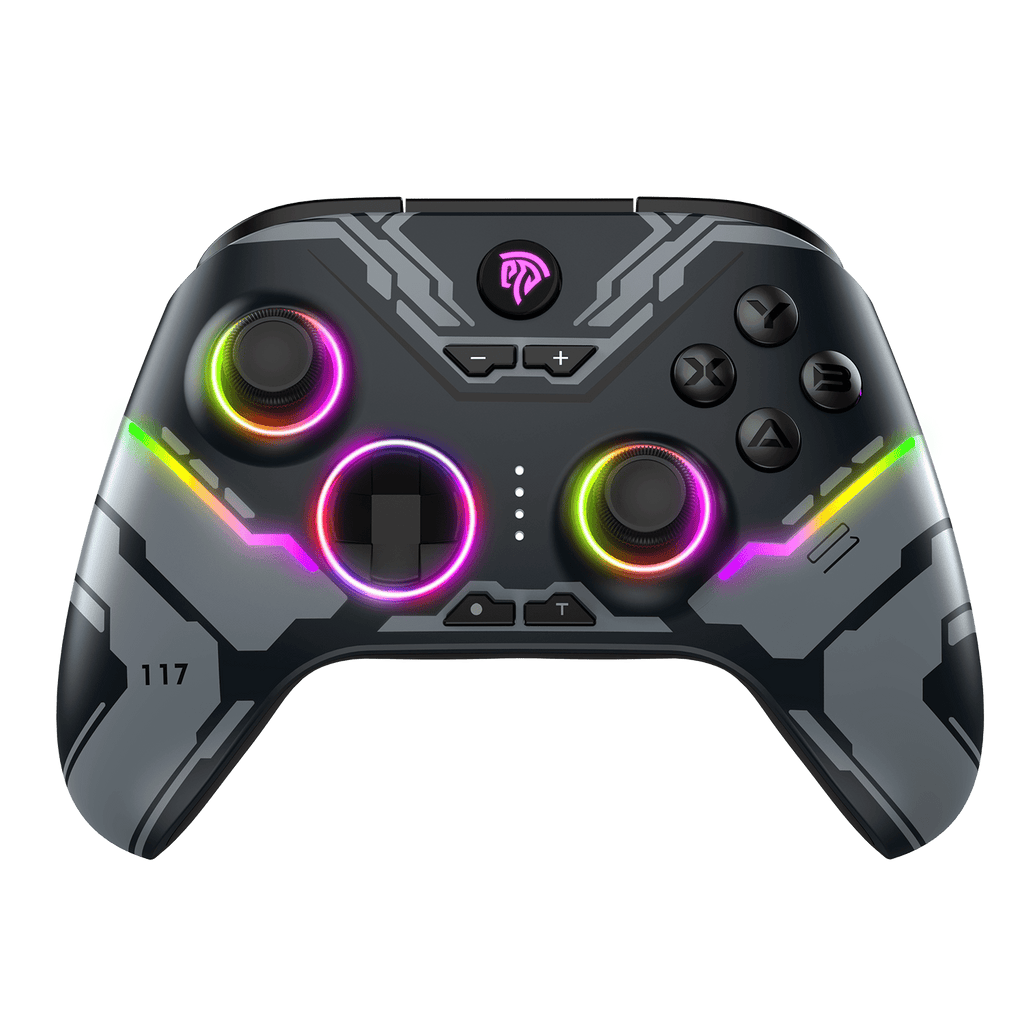
Vibration function transforms passive button-pressing into something more engaging by providing physical feedback—a rumble when your character takes damage, a subtle pulse when you’re near a hidden item. Both wireless and wired controllers implement this feature, though wireless models sometimes offer more nuanced haptic levels due to advanced internal motors. For casual gamers seeking an improved gaming experience without complex setups, vibration adds a layer of immersion that makes even simple titles feel more dynamic and rewarding.
Meeting Target Audience Needs: Gamers and Parents
For Casual Gamers: Affordable Accessories for Better Experience
Casual gamers typically want a controller that feels good in their hands, performs reliably across various game genres, and doesn’t demand a significant financial investment. When evaluating affordable gaming accessories, wired controllers often represent the entry point—they deliver solid performance without the premium associated with Bluetooth technology and rechargeable batteries. However, wireless options have become increasingly competitive, and many mid-range models from brands like EasySMX now offer features that were once exclusive to premium tiers. The key is identifying which features actually matter for your play style. If you primarily game in short sessions and value a clean setup, a wireless controller with decent battery life and built-in vibration function provides an improved gaming experience that feels premium without the premium cost. If you tend toward marathon sessions or prefer zero-maintenance peripherals, a wired gaming controller eliminates the frustration of mid-game battery deaths. Ergonomics deserve attention too—controllers with textured grips and comfortable button spacing reduce hand fatigue during extended play, making even budget-friendly options feel like an upgrade from standard Joy-Cons. The sweet spot for most casual players lies in finding a controller that balances tactile feedback, comfortable design, and reasonable longevity without overcomplicating the purchase with features they’ll rarely use.
For Parents: Durable and Safe Controllers for Kids
Parents face a different set of priorities when selecting a Nintendo Switch Controller for their children. Durability tops the list because kids inevitably drop, squeeze, and occasionally throw controllers during moments of excitement or frustration. Wired controllers often feature reinforced plastic housings and fewer internal components that can break upon impact, making them inherently more resilient to rough handling. The absence of a battery also eliminates concerns about battery swelling or children attempting to open compartments. Safety extends beyond physical durability to material composition—controllers designed with families in mind typically use non-toxic plastics and lead-free solder, ensuring that even the youngest gamers aren’t exposed to harmful substances during extended contact. Wireless controllers offer their own child-friendly advantage: without a cable connecting the controller to the console, there’s no risk of a child tripping over a cord or accidentally pulling the Switch dock off a shelf. This makes wireless options particularly suitable for living rooms where kids move freely while playing motion-based games. When weighing both types, consider your child’s age and play habits. Younger children who play supervised and seated may benefit from the simplicity and sturdiness of wired models, while older kids who understand device care might appreciate the freedom a wireless controller provides. Whichever direction you choose, look for controllers with slightly smaller grips designed for younger hands and simplified button layouts that won’t overwhelm new gamers.
Solution Steps: How to Decide Between Wireless and Wired
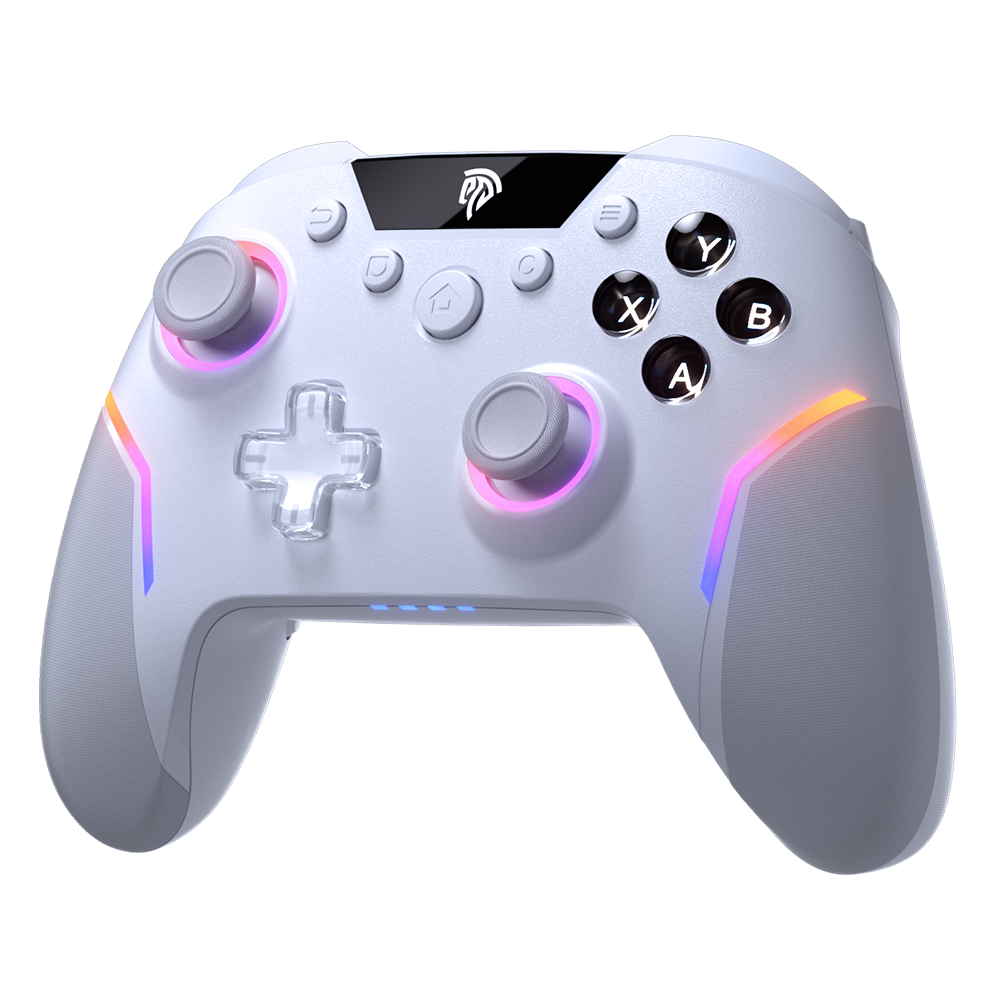
Making the right choice becomes straightforward when you break it down into a few deliberate steps. Start by assessing your primary use case—ask yourself where you’ll be sitting relative to the console, how long your typical gaming sessions last, and whether cable clutter bothers you. Next, establish your budget honestly. If you’re seeking affordable gaming accessories that still deliver quality, a wired gaming controller often provides the best value, but don’t overlook mid-range wireless options that bundle features like vibration function and ergonomic design at competitive prices. Third, consider who will be using the controller most. Parents shopping for younger children should prioritize build quality and safety certifications over advanced features, while casual gamers chasing an improved gaming experience might weight haptic feedback and comfort more heavily. Once you’ve narrowed your priorities, test the controller’s feel if possible—grip size, button resistance, and trigger travel all affect long-term satisfaction in ways that spec sheets cannot convey. Finally, read user reviews that match your specific scenario rather than relying solely on professional benchmarks. A controller that earns praise from a competitive player may not suit a seven-year-old’s hands or a parent’s peace of mind. By following this sequence—define use case, set budget, identify the primary user, test ergonomics, and validate through relevant reviews—you’ll arrive at a Nintendo Switch Controller that fits your life rather than forcing you to adapt to it.
Finding Your Perfect Switch Controller: Final Recommendations
The wireless versus wired debate doesn’t have a universal winner—it has a personal one. Wireless controllers deliver mobility, clean setups, and the freedom to game from anywhere in the room, but they require charging discipline and carry a slightly higher price tag. Wired controllers guarantee uninterrupted connections, zero battery anxiety, and typically sturdier construction at a more accessible cost, though they tether you to a fixed distance from the dock. For casual gamers prioritizing an improved gaming experience through features like vibration function and ergonomic comfort, both types now offer compelling options among affordable gaming accessories. For parents, the decision often hinges on a child’s age and play environment—wired models suit supervised, seated play with their durability and simplicity, while wireless options reduce tripping hazards for active kids. Rather than defaulting to brand loyalty or price alone, revisit the solution steps outlined above: define your use case, set a realistic budget, identify the primary user, test how the controller feels, and validate your choice through reviews from people in similar situations. By approaching the decision this way, you’ll land on a Nintendo Switch Controller that genuinely enhances every gaming session for years to come.
