Every competitive gamer obsesses over their mouse, keyboard, and monitor refresh rate, yet one critical component often goes completely overlooked—the surface beneath their mouse. A gaming mouse pad isn’t just a desk accessory; it’s the foundation that determines how precisely your movements translate into in-game actions. New gamers frequently invest hundreds in high-end peripherals only to drag them across bare desks or worn-out generic pads, unknowingly sabotaging their own performance. The right gaming mouse pad creates a consistent, optimized surface that complements your sensor, matches your playstyle, and gives you the reliable control needed to compete at your best. This guide breaks down everything you need to know about selecting the ideal pad based on your gaming style, understanding how different materials impact your gameplay, and ensuring technical compatibility with your setup. Whether you’re making precise sniper shots or executing rapid strategy commands, the insights ahead will help you make a choice that genuinely elevates your game.
Why Your Gaming Mouse Pad Matters More Than You Think
Your mouse pad serves as the interpreter between your physical hand movements and digital in-game actions. Every micro-adjustment you make passes through that surface first, and inconsistencies in texture, friction, or wear patterns introduce variables that even the best sensors struggle to compensate for. Modern optical and laser sensors read the surface beneath them thousands of times per second, building a tracking profile based on the texture they detect. When that surface is uneven, too reflective, or unpredictable, you get jitter, acceleration inconsistencies, or outright tracking failure.
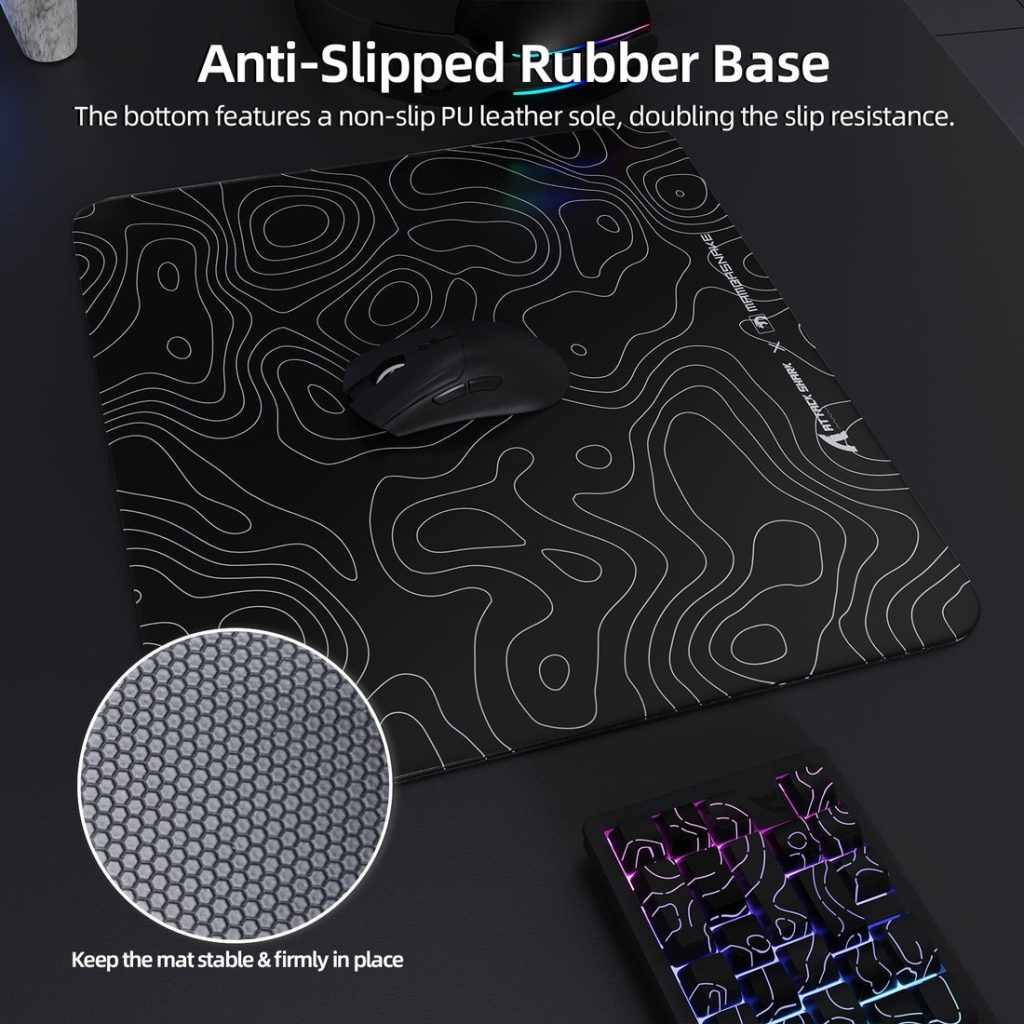
Surface friction directly governs your glide experience—how much force you need to initiate movement and how smoothly your mouse travels once in motion. A pad with too much static friction makes small corrections feel sluggish, while one with too little dynamic friction lets your crosshair sail past targets. This balance between initial resistance and sustained glide defines whether a pad feels “fast” or offers “control.” For casual players, a decent pad smooths out the experience and reduces wrist strain. For competitive gamers, it becomes the difference between consistent aim and frustrating variability. Understanding these dynamics is the first step toward choosing a surface that actively works with your hardware rather than against it.
Matching Your Mouse Pad to Your Gaming Style
Not all gaming demands the same type of mouse movement, which means no single pad suits every player equally. Your genre of choice fundamentally shapes what you need from the surface beneath your mouse. A first-person shooter player makes wide, sweeping arm movements punctuated by tiny precision adjustments, while a MOBA or RTS player relies on rapid, short cursor movements confined to a smaller area. Recognizing these patterns helps you narrow down whether you need a speed-oriented mouse pad, a control-focused surface, or something that balances both qualities.
For Fast-Paced Shooters (FPS)
FPS games reward players who can snap their crosshair onto targets instantly and then hold it steady for precise shots. This dual demand creates an interesting tension in pad selection. A speed-oriented mouse pad with low friction lets you execute fast 180-degree turns and flick shots without your arm fighting against the surface. However, pure speed without any stopping power makes it nearly impossible to land consistent headshots at range. The sweet spot for most FPS players is a pad that initiates movement easily but provides enough texture to slow your mouse predictably when you need fine control. If you primarily play tactical shooters where holding angles matters, lean toward slightly more friction. If you play arena shooters or battle royales with constant repositioning, prioritize that low-resistance glide. New gamers should start with a medium-speed surface and adjust from there once they understand their sensitivity preferences.
For Strategy and MOBA Games
Strategy and MOBA players rarely make the large sweeping motions that FPS gamers do, but they click hundreds of times per minute across relatively small distances. Here, consistency matters more than raw speed. You need a surface that tracks identically whether you’re selecting units at the top of the screen or issuing commands at the bottom, with no dead zones or texture inconsistencies throwing off your cursor placement. A balanced pad with moderate friction gives you enough control to land precise clicks on small UI elements and unit selections without feeling like you’re dragging through mud during extended sessions. Durability also becomes a priority since MOBA and RTS sessions often stretch for hours, and repetitive movements in the same area can wear down cheaper surfaces quickly, creating uneven tracking zones that develop over weeks of play.
Decoding Gaming Mouse Pad Materials: Impact on Gameplay
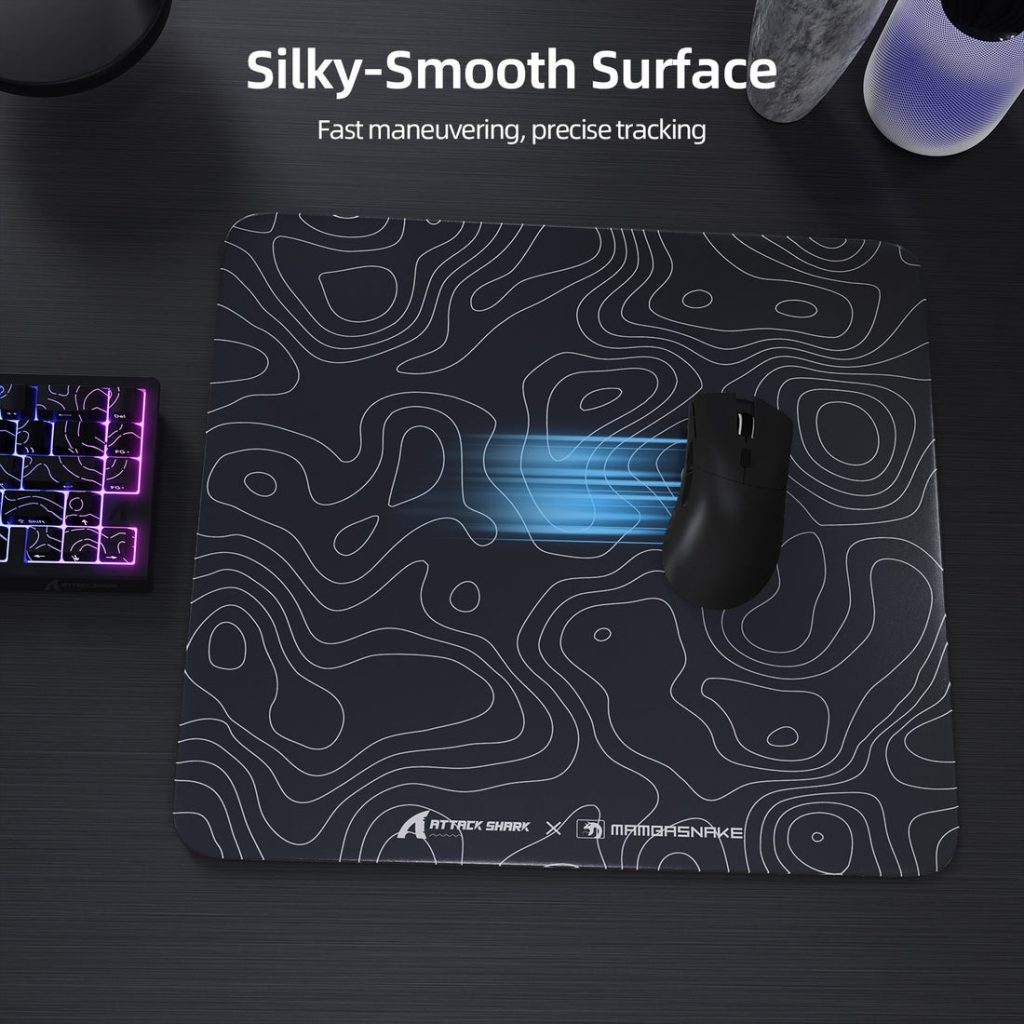
The gaming mouse pad material you choose fundamentally shapes your daily experience—from how your mouse glides across the surface to how the pad holds up after months of intense use. Three primary categories dominate the market: cloth, hard plastic, and hybrid surfaces that blend properties of both. Each material interacts differently with mouse feet and sensors, creating distinct gameplay characteristics that suit different preferences and playstyles. Understanding these differences prevents the common mistake of buying based on aesthetics alone and ending up with a surface that actively works against your needs.
Cloth Pads: The All-Rounder
Cloth pads remain the most popular choice among gamers for good reason. Their woven textile surface provides a moderate amount of friction that works well across virtually every genre, offering enough resistance for precise micro-adjustments while still allowing smooth, comfortable sweeps. The texture gives optical sensors an excellent tracking surface with consistent feedback, and the slight cushioning reduces wrist fatigue during marathon sessions. Cloth also conforms slightly to your desk, eliminating wobble on imperfect surfaces. Brands like MAMBASNAKE offer cloth pads with stitched edges and micro-textured weaves designed to maintain consistent friction over extended use. The tradeoff is durability—cloth pads absorb sweat, oils, and dust over time, which gradually alters their friction characteristics. Regular cleaning with mild soap and lukewarm water extends their lifespan significantly, but expect to replace heavily-used cloth pads every six to twelve months to maintain consistent performance.
Hard and Hybrid Surfaces
Hard pads made from materials like polycarbonate, aluminum, or tempered glass deliver noticeably faster glide with almost zero initial resistance. Your mouse practically floats across these surfaces, making them ideal for speed-focused gamers who want minimal friction between intention and action. They’re also essentially immune to wear, humidity, and temperature changes, providing identical performance whether it’s your first game of the day or your hundredth. The downsides include increased noise from mouse movement, harder stopping power demands on your wrist, and potential compatibility issues with certain sensor types that struggle to read extremely smooth or reflective surfaces. Hybrid pads attempt to split the difference by layering a thin, smooth coating over a cloth or foam base, offering faster glide than pure cloth while retaining some cushion and control. These work particularly well for gamers who want speed without completely sacrificing stopping precision.
Key Technical Considerations: Speed, Control, and Mouse Sensor Compatibility
Beyond material choice and gaming style, technical factors determine whether your pad actually performs as expected with your specific hardware. The interplay between surface texture, pad construction, and your mouse’s sensor technology creates either seamless tracking or frustrating inconsistencies that no amount of practice can overcome.
Understanding Speed vs. Control Surfaces
Speed surfaces feature tightly woven or coated textures that minimize friction, letting your mouse glide with minimal effort—perfect for arena shooters and fast-paced battle royales. Control surfaces use looser weaves or textured finishes that create deliberate resistance, giving tactical shooter and strategy players the stopping power needed for pixel-perfect placement. Pad thickness also matters: thinner pads feel more stable and closer to the desk, while thicker options cushion your wrist but can introduce slight compression during hard stops. Stitched edges prevent fraying that gradually narrows your usable surface area over months of play.
Ensuring Flawless Sensor Performance
Mouse sensor compatibility varies significantly across pad types. Optical sensors generally perform reliably on cloth and most hybrid surfaces but can struggle on glossy hard pads. Laser sensors handle more surface types but may over-read textured cloth, causing unwanted cursor drift. Test your mouse on any new pad by performing slow, deliberate movements and checking for jitter or acceleration in your operating system’s cursor settings. Manufacturer websites often list recommended surface types, and community databases like those on enthusiast forums provide real-world compatibility reports worth consulting before purchasing.
How to Choose the Perfect Gaming Mouse Pad: A Step-by-Step Guide
Selecting your ideal pad becomes straightforward when you approach it systematically. Start by identifying your primary gaming genre—this single factor narrows your options dramatically. FPS players should prioritize larger pads with speed-to-control balance, while MOBA and strategy gamers can focus on medium-sized pads with consistent tracking surfaces. Next, choose your material based on your environment and maintenance preferences: cloth for comfort and versatility, hard surfaces for speed and longevity, or hybrid for a middle ground. Then verify sensor compatibility by checking your mouse manufacturer’s recommendations or community forums for your specific model. Consider your desk setup and available space, ensuring the pad dimensions accommodate your sensitivity settings—low-sensitivity players need significantly more surface area. If possible, visit a local retailer to feel different textures firsthand, or order from vendors with generous return policies. Finally, assess edge construction and thickness based on whether you prioritize wrist comfort or surface stability. Starting with a well-reviewed mid-range cloth pad is the safest entry point for new gamers still discovering their preferences.
Elevate Your Setup with the Right Mouse Pad
Your gaming mouse pad is far more than a simple desk accessory—it’s the critical interface that translates your physical skill into digital precision. Throughout this guide, we’ve established that surface friction and consistency directly impact sensor tracking, that your gaming genre should dictate whether you prioritize speed or control, and that material choice shapes everything from daily comfort to long-term durability. Technical compatibility between your mouse sensor and pad surface ensures that your hardware investment actually delivers its full potential rather than being undermined by a mismatched foundation.
The path forward is clear: identify your primary gaming style, select a material that fits your environment and maintenance habits, verify sensor compatibility, and choose dimensions that accommodate your sensitivity settings. Don’t underestimate how much a purpose-built surface improves both performance and comfort over countless hours of play. Whether you’re climbing competitive ranks or simply want your movements to feel more responsive and natural, upgrading your mouse pad is one of the most impactful and accessible improvements you can make to your entire gaming setup. Apply what you’ve learned here, and you’ll feel the difference from your very first session.
